
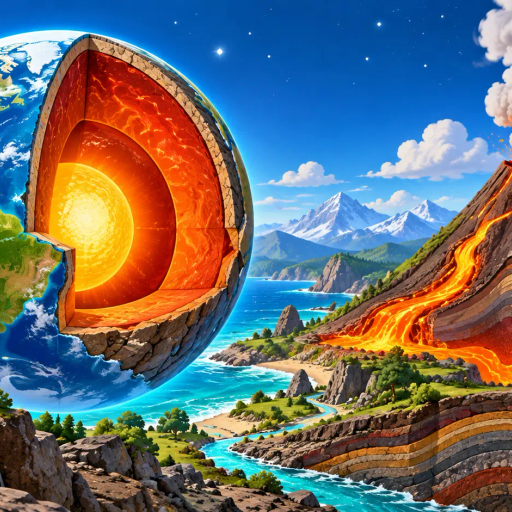
Install Earth's layers
Explore Earth's layers and volcanoes in interactive 3D. Rotate, zoom, and discover each part on your next science adventure!
Prepare this content for offline use
- In Download in this browser only below, save this content's files and wait for Works offline before starting the activity.
- Install the app and confirm the browser request.
- Open its icon while connected to the internet.
Preparing the install request…
You can follow the manual steps below.
Open in browserInstalling the app icon is separate from downloading files for offline use.
Download in this browser only
Checking offline files…
Deleting this content's files here keeps its app icon and other content. Deleting site data in browser settings can remove saved files for several content apps.
Install on a computer using Microsoft Edge
- Open this page in a normal Microsoft Edge window.
- From the browser menu (…) choose Apps, then Install this site as an app, or use the install icon when available.
- Confirm the name and icon for Earth's layers. Open it from Start after installation, and choose a desktop shortcut or taskbar pin if you want one.
Install on a computer using Google Chrome
- Open this page in a normal Google Chrome window.
- Use the address-bar install icon, or choose Cast, save, and share, then Install page as app from the browser menu.
- Confirm the name and icon for Earth's layers. Open it later from its entry in your device's app list.